
Best Free Meta Tag Generators (2026): Title, Description, HTML
Free meta tag generators write title and description HTML. Rank them by job: form-to-markup, CMS snippet editor, or social preview, then check the live tags.
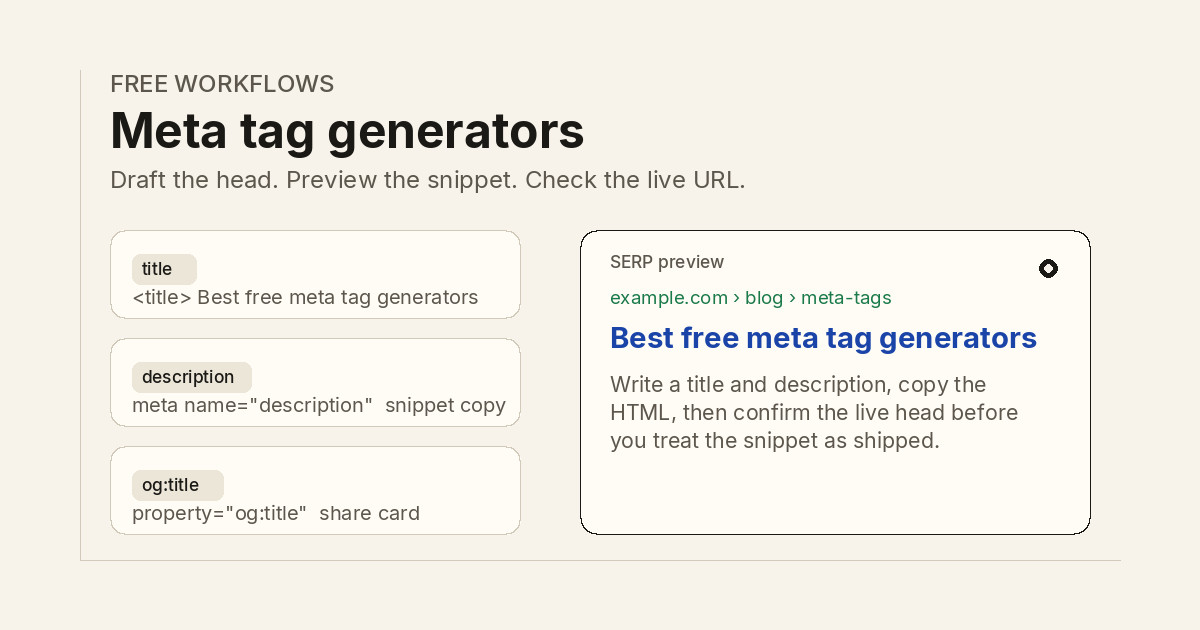
Short answer: the best free meta tag generator in 2026 is the one that matches the job in front of you. Use a CMS snippet editor when the page already lives in WordPress or a similar CMS, a form that emits HTML when you need a pasteable head block, a social preview editor when share cards matter, and page metadata in your app when you control the templates.
This page covers meta tag and meta description generators only: tools that draft a title, a description, or the HTML that belongs in <head>. It is not a roundup of meta tag checkers, schema markup builders, sitemap generators, robots.txt builders, or redirect tracers. Those jobs need different pages.
Answer-first shortlist
If you only have a few minutes, start here:
- WordPress or similar CMS: write the title and description in Yoast SEO, Rank Math, or All in One SEO, then use the plugin SERP preview before you publish.
- Need a pasteable head block: fill a form on Webcode.tools or a similar HTML generator, copy the tags, and drop only the fields you actually set.
- Need share cards: edit title, description, and image in metatags.io, then copy the Open Graph and Twitter markup.
- Codebase you deploy: emit
<title>and<meta name="description">from the same page metadata that renders the H1, as described in SEO for developers. - After the tags are in the template: fetch the public URL with a meta tag checker so you know the live document, not the draft, is what crawlers see.
- When the head is honest: ship cite-ready pages worth ranking; see the auto SEO tool overview when you want that workflow on your stack.
No generator replaces the page. If the body does not support the claim in the description, Google may rewrite the snippet from on-page text, as Google documents in its snippet guidance.
What a meta tag generator should do
A useful generator answers five questions:
- What strings does it write? A title people will click, and a description that matches the page.
- What markup does it emit? Valid
<title>,meta name="description", and only the social tags you asked for. - Can you see truncation? A SERP or share preview that shows what a long title loses.
- Can you reuse it? The same page facts produce the same tags after you edit the draft.
- Can you leave fields blank? Empty robots, canonical, or og:url fields should stay out of the snippet, not ship as empty attributes.
Google's title link documentation treats your title as a strong hint, not a lock. The win is a snippet that matches the page so the click is earned, not a promise that the tag will rank the URL.
Ranked free tools by job
This ranking is by fit for common free workflows, not by market share or traffic claims. Free tiers change; validate on whether you can copy markup, preview length, and keep the strings tied to the live page.
- CMS snippet editors (Yoast SEO, Rank Math, All in One SEO free tiers) when the page is already in a CMS and you want title, description, and a SERP preview in the same editor.
- metatags.io when you need to preview Google, Facebook, X, and LinkedIn cards and copy the resulting tags.
- Webcode.tools Meta Tags Generator when you want a developer form that emits title, description, Open Graph, and Twitter markup as HTML.
- SEOptimer, Small SEO Tools, and CodeBeautify generators for a one-off title and description block with no account.
- App and framework templates (Laravel, Next.js, Rails, and similar) when page metadata already lives next to the route.
- SERP preview tools (Portent Title Maker and peers) for character and pixel length, not a full head block.
- Draft writers (chat models and dedicated description generators) only as a first pass you edit against the page.
- Orchory meta tag checker (meta tag checker) to extract the live title, description, canonical, and robots tags, not to write them.
TL;DR comparison table
| Job | What you get | Free starting point | Limit to know |
|---|---|---|---|
| CMS snippet | Title and description next to the page | Yoast SEO, Rank Math, All in One SEO | Preview is not the live head |
| Form-to-HTML | A pasteable <head> block |
Webcode.tools, SEOptimer, Small SEO Tools | You must drop unused attributes |
| Social preview | OG and Twitter tags plus card mockups | metatags.io | Recheck the live URL after publish |
| Length preview | Desktop and mobile truncation | Portent Title Maker and peers | Does not emit a full tag set |
| Live extract | Tags the public document already has | Orchory meta tag checker | Reads tags, does not write them |
This table avoids invented vendor rankings or traffic statistics. Evaluate tools on whether the output matches the page you will publish and whether unused fields stay out of the markup.
Form-to-HTML generators
When you need a block you can paste into a template, a hosted form is the shortest path. Webcode.tools lets you set title, description, canonical, robots, Open Graph, and Twitter fields, then copy HTML. SEOptimer, Small SEO Tools, and CodeBeautify cover the same basic job with fewer social options.
Use a form generator when:
- The page is a static file or a CMS that has no snippet editor.
- You want to see every attribute before it hits the template.
- You are handing markup to a developer who will not open the CMS.
Treat the output as a draft. Delete empty og:* and robots attributes. Confirm the canonical matches the URL you intend to index, the same hygiene described in how to make your website show on Google.
CMS snippet editors
On WordPress and similar CMS platforms, the best free generator is usually the SEO plugin you already use. Yoast SEO, Rank Math, and All in One SEO each give you a title field, a description field, a character or pixel hint, and a SERP preview on the post screen.
That model wins for editorial teams because the tags stay attached to the page. The recurring failure is the same: the preview looks fine, then a theme or SEO plugin override ships a different title. After publish, extract the live tags instead of trusting the editor.
If your CMS already writes Open Graph from the same fields, do not paste a second set from a hosted generator. Duplicate og:title tags make share cards pick the wrong string.
Social preview generators
metatags.io is built for the share-card job. Paste a URL or type the strings, preview how the link looks on Google and major social networks, then copy the tags. Pair it with the Open Graph checker when you need to read the live og:image after deploy.
Social generators help when the snippet and the share card should say the same thing. They do not replace on-page copy. A strong card that points at a thin page still wastes the click.
For schema that is not a meta tag, use a JSON-LD tool such as the schema markup generator. That markup lives in a script, not in name="description".
App metadata and templates
For developer-led teams, the best free generator is usually your own application. Keep a title and description on each public page record, render them in the layout, and refuse to ship a route that leaves either blank.
Patterns that stay maintainable:
- Store title and description next to the slug and H1.
- Clamp length in the template, but edit the source string rather than cutting mid-word.
- Emit a self-referencing canonical from the same record.
- Add a smoke test that fetches a public URL and expects a title and description in the first HTML response.
Keep that checklist beside the rendering notes in SEO for developers so staging hosts and leftover draft titles do not reach production.
Check the tags after you ship
Generating markup is half the job. Fetch the public URL and read the first HTML response. Client-side rendering can hide a tag from a crawler that does not execute your script. A meta tag checker lists title, description, canonical, and robots from that response so you can see missing fields without opening DevTools.
Then watch the snippet in Search Console. Google may keep your description, or it may pull a sentence from the body. If the rewrite is better, leave it. If it misstates the page, tighten the opening paragraph and the description together, the same way you would tune a featured snippet answer.
Browse the free tools catalog for the checker, Open Graph, and related helpers once the draft leaves the generator.
Generators and cite-ready pages
Meta tag generators write head strings. Cite-ready pages are the outcome those strings should describe: one stable address that returns 200, an answer-first opening, claims tied to live sources, and structured data that matches the visible body.
A polished title on a thin page still wastes the snippet. A strong page with a generic description still hides the reason to click. Assistants and search systems both favor URLs whose tags and body agree.
Orchory does not replace your meta tag generator. Orchory is built for teams that turn prioritized topics into cite-ready pages on their design system. Free URL tools on Orchory focus on reading the live head, not inventing a description from a keyword alone.
The practical split:
- Meta tag generator (this list): draft title, description, and related head markup.
- Meta tag checker: confirm those tags on the public URL.
- Orchory workflow: ship new answer-first pages that deserve a title worth ranking.
When the tags are honest and you want automated page production on your stack, read the auto SEO tool overview. Send your site when you want help connecting snippet hygiene with a steady page pipeline.
Generators vs other SEO tools
Search intent drifts easily. Keep the jobs separate:
- Meta tag generator: write title, description, and related head HTML.
- Meta tag checker: extract the live head on one URL (different workflow).
- Open Graph checker: read share-card tags after deploy (different workflow).
- Schema markup generator: JSON-LD for rich results (different workflow).
- Sitemap generator: XML URL lists for discovery (different workflow).
Using the wrong tool wastes time and creates overlapping articles on your own site. This piece stays in the generator lane so it can link honestly to indexing and snippet resources without repeating a checker comparison.
Ready to ship? Draft the title and description, paste only the tags you set, confirm them on the live URL, then explore the free tools hub or the auto SEO tool when you move from snippet hygiene to shipping cite-ready pages. Send your site when you want help applying the workflow to your stack.
