
How to Find and Fix Thin Content on Your Site
Thin content fails search intent with too little unique value. Learn to find it in Search Console and crawls, choose merge expand or retire, fix internal links, and measure recovery.

Thin content is an indexable page that does not give enough unique, useful material to satisfy the query it targets. You find it by combining Google Search Console status, crawl exports, and a quick SERP read, then you fix it by consolidating overlapping URLs, expanding a keeper, or retiring pages that should not compete for search. Internal links should reinforce the URL you want to rank, and you judge success on index coverage and query trends after the change ships.
What Thin Content Means for a Growing Site
A SaaS marketing site accumulates URLs faster than anyone remembers writing them. Tag pages, short announcements, near-duplicate integrations, and "placeholder" articles can all return HTTP 200, sit in the sitemap, and still fail the reader. Google describes helpful content as material created for people, with clear purpose and enough depth to meet the need, in its people-first content guidance. Thin pages violate that contract even when the template looks polished.
Thin content is not the same as a short page. A concise FAQ that fully answers one question can be strong. A long page that repeats generic filler without evidence, steps, or decisions is still thin. The diagnostic question is whether a searcher who clicked from Google would leave feeling the job was done.
Common patterns include:
- Stub articles with a headline and one paragraph that restates the title.
- Near duplicates where several URLs differ only by keyword swap or location token.
- Orphan commercial pages with boilerplate copy and no proof, comparison, or workflow detail.
- Indexable filters or tags that list items but add no editorial context.
Thin pages waste crawl budget on large sites and confuse priority on small ones. They also overlap with keyword cannibalization, where multiple URLs chase the same intent and split impressions instead of strengthening one preferred page.
How to Find Thin Pages in GSC, Crawls, and SERPs
Run three passes in parallel: Search Console for Google's view, a crawl for your link graph and word counts, and a SERP check for intent fit.
Search Console signals
Open Indexing, Pages and sort by exclusion reason. Pay special attention to Crawled, currently not indexed and Discovered, currently not indexed. Google’s Page indexing report documentation treats these as status explanations, not punishments, but they often cluster on weak or duplicative URLs.
Next, use Search results filtered to a suspect URL. If impressions exist but clicks stay near zero with positions beyond page one, the page may be visible without being competitive. Export queries with clicks, impressions, average position, and CTR for the last three months so you compare before and after a fix.
URL Inspection remains the page-level truth check. Confirm last crawl time, indexed status, canonical URL, and whether rendered HTML contains the main answer. If the rendered HTML lacks body copy users see in the browser, fix rendering before you expand text.
Crawl and template queues
Crawl the site with Screaming Frog, Sitebulb, or an equivalent tool. Export indexable HTML URLs with word count, title, H1, inlinks, and canonical. Group rows by template. A blog index with forty posts under three hundred words each is a template problem, not forty unrelated one-offs.
Build three queues:
- Thin and indexed: indexable URLs with low word count, low inlinks, and meaningful impressions in Search Console.
- Thin and excluded: URLs in a not-indexed bucket with the same template pattern.
- Duplicative clusters: URLs whose titles and H1s differ slightly but share the same SERP intent.
Use Orchory free SEO tools for quick checks when a lightweight utility fits the workflow, but the crawl plus Search Console export remains the source of truth for prioritization.
SERP intent sanity check
For each high-priority URL, search the primary query in an incognito window and read the top results. Note page type, depth, and evidence pattern. If every strong result is a step-by-step guide with screenshots and your URL is a one-paragraph overview, the gap is intent and format, not a missing meta keyword.
If competitors show comparison tables, pricing context, or primary-source citations, your page needs comparable structure. If the SERP is mostly definitions, a tight answer-first page may be enough after you add sourced claims and FAQs.
Practical rule: Do not label a page thin from word count alone. Confirm weak intent fit, duplication, or exclusion in Search Console before you schedule work.
Choose Consolidate, Expand, or Retire
Assign one primary action per URL. Mixing all three on the same page usually means the team has not decided which query it owns.
| Situation | Primary fix | What good looks like |
|---|---|---|
| Two or more URLs answer the same question | Consolidate | One preferred URL with merged proof, 301 redirects from losers, updated sitemap |
| Topic is valid but the page is shallow | Expand | Answer-first intro, steps or criteria, sourced claims, FAQ aligned to Search Console queries |
| URL has no search role and no reader value | Retire or exclude | Removed from sitemap, internal links updated, optional redirect to a related keeper |
Consolidate overlapping pages
Follow the same decision order as a cannibalization fix: pick the preferred URL using impressions, clicks, inlinks, and business fit, merge unique sections from weaker pages, publish the consolidated page, redirect old URLs with 301 responses, and update internal links. The cannibalization guide linked above walks through Search Console grouping when several URLs share one query.
Expand a keeper
Expansion means adding material that changes the outcome for the reader: decision criteria, worked examples, limitations, and sourced statistics next to the claims they support. Restructure with H2s that mirror real questions from Search Console query data. Add an FAQ only when it repeats objections you can answer in one paragraph each.
A cite-ready page, the kind Orchory is built to produce, starts with the recommendation, separates facts from opinion, and names sources for measurable claims. That standard helps both classic rankings and AI answer surfaces that quote concise, verifiable passages.
Retire URLs that should not rank
Retirement fits legacy campaign pages, empty tag indexes, and duplicate faceted paths that should not appear in search. Apply a noindex directive in HTML or response headers, remove the URL from the XML sitemap, and replace internal links with pointers to the keeper. Do not block the URL in robots.txt if you need Google to read the exclusion directive on the page.
Use Internal Links to Support the Pages You Keep
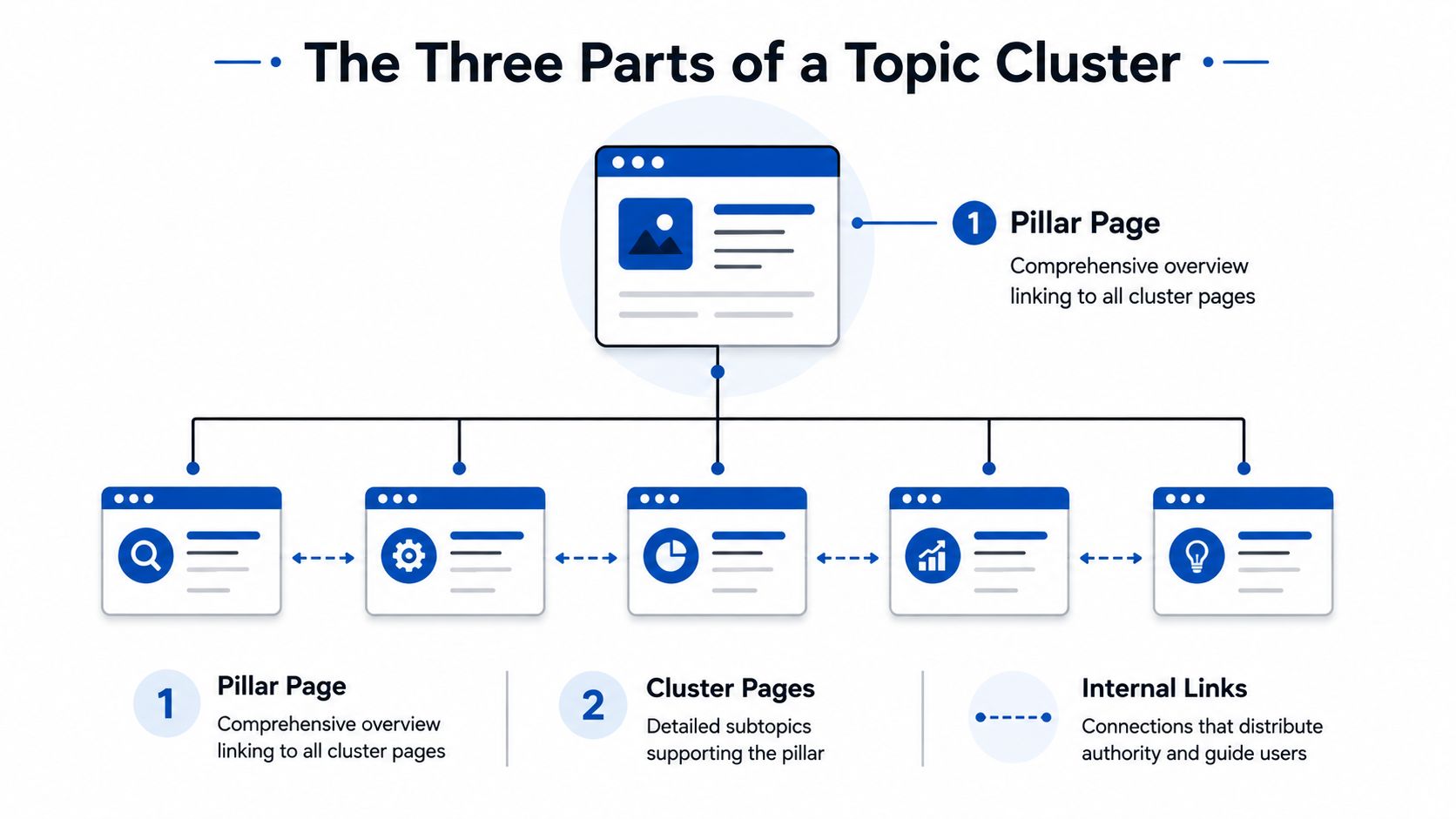
After consolidation or expansion, internal links tell crawlers which URL matters. Every important keeper should have crawlable links from related articles, documentation, and navigation modules with descriptive anchor text.
Prioritize links from URLs that already earn impressions for adjacent queries. A refreshed pricing comparison page should receive links from feature pages, integration guides, and blog posts that mention plan fit. An expanded how-to should link outward to tools and product pages only where the next step helps the reader, not as footer stuffing.
Re-crawl after deployment and confirm inlink counts rose for the preferred URL while redirected sources disappeared from the indexable graph. Orphan keepers often stay excluded because nothing in the crawl path signals importance.
Measure Whether the Fix Worked
Record a baseline before you ship: index status, canonical, word count or section checklist, inlink count from the crawl, and Search Console clicks and impressions for the target queries. Store the date of the change so you do not confuse seasonal noise with impact.
After four to eight weeks, review:
- Indexing: Did excluded URLs move to indexed, or did consolidated losers drop while the keeper stays indexed?
- Query trends: Do impressions and clicks on the keeper rise for the queries you targeted?
- Engagement: In analytics, do organic landing pages show improved scroll or conversion paths?
- Template health: Did the count of sub-threshold URLs on the same template fall?
If index status improves but clicks do not, the page may still lose on intent or SERP format. Re-open the SERP review and compare section depth to the current top results before you expand again.
Build Cite-Ready Pages Instead of More Placeholders
Fixing thin content is not a one-time cleanup. New pages should enter the site with the same bar: one primary intent, an answer-first lead, sourced claims, and internal links that reflect site architecture. That is the loop Orchory supports through ranked opportunities and structured page work your team reviews before anything goes live.
When you want the full research-to-ship workflow, read the auto SEO tool workflow for how opportunities become cite-ready pages in your stack. Send your site if you want the first page built with you on a call before you commit to a plan.
Orchory helps developer-led teams replace thin placeholders with cite-ready pages that earn rankings. Start with the free tools, then connect the workflow when the output matches how you ship.
